Every 3D scanner typically has an optimal working distance range. To achieve ideal scanning accuracy, the scanner should maintain an appropriate distance from the object to ensure reliable tracking without losing accuracy.
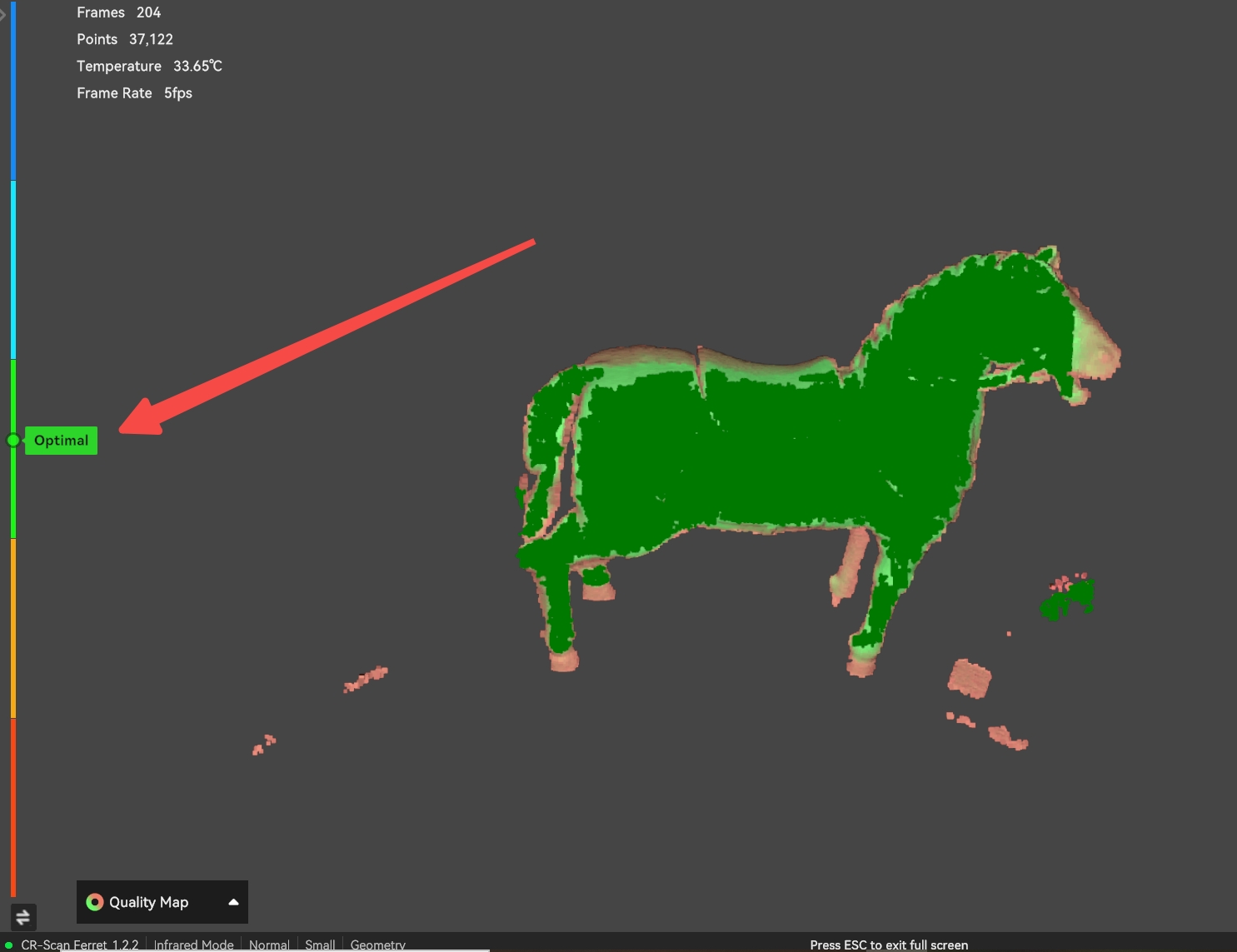
During scanning, always follow the software prompts to maintain the “optimal distance”.
The color bar on the left side of the software’s real-time preview window provides real‑time feedback based on the current distance between the scanner and the object: red means too close, green means optimal distance, and blue means too far.