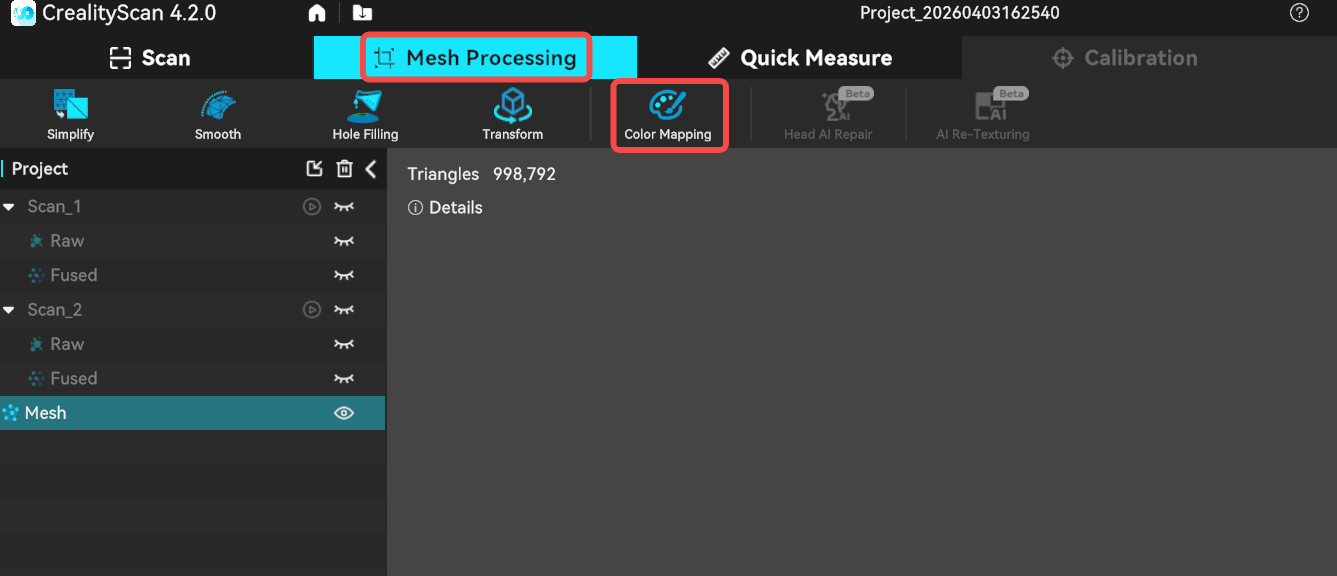
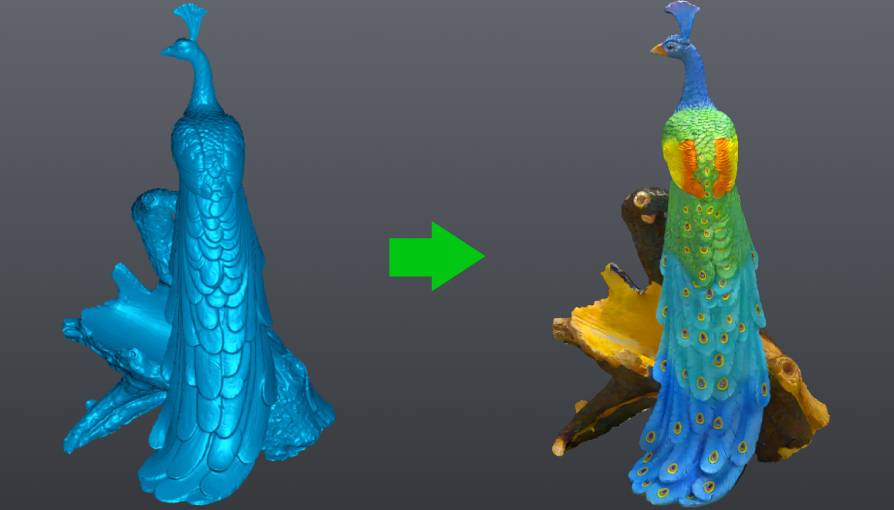
After meshing, if color mapping was enabled in the scan settings, the system allows color mapping to be applied to the mesh model. Color mapping is the process of applying the color data of the object captured by the camera to the generated mesh model, restoring the original colors of the object.
¶ How to Enable Color Mapping
In Infrared Mode, the color data of the object is automatically captured during scanning, so there is no need to enable it manually.
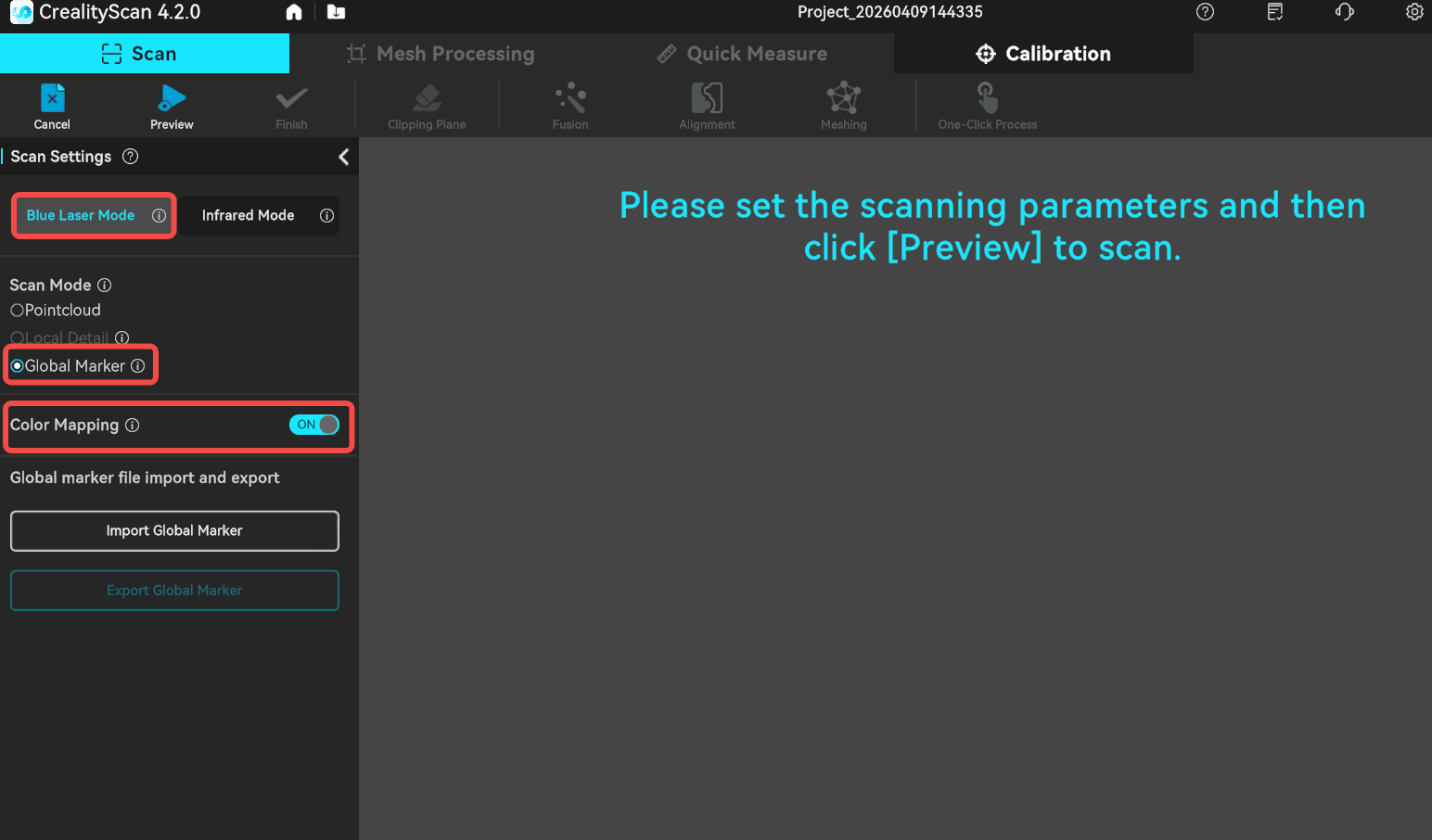
In Blue Laser Mode, you must first select Global Marker mode and turn on the Color Mapping feature. When scanning the markers, be sure to scan the object 360° to fully capture its color information.